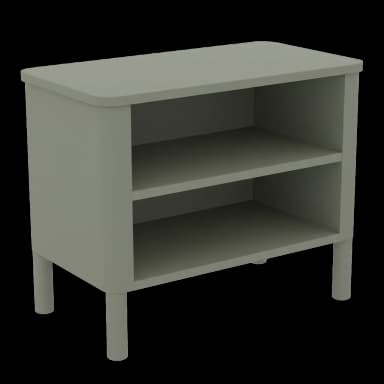
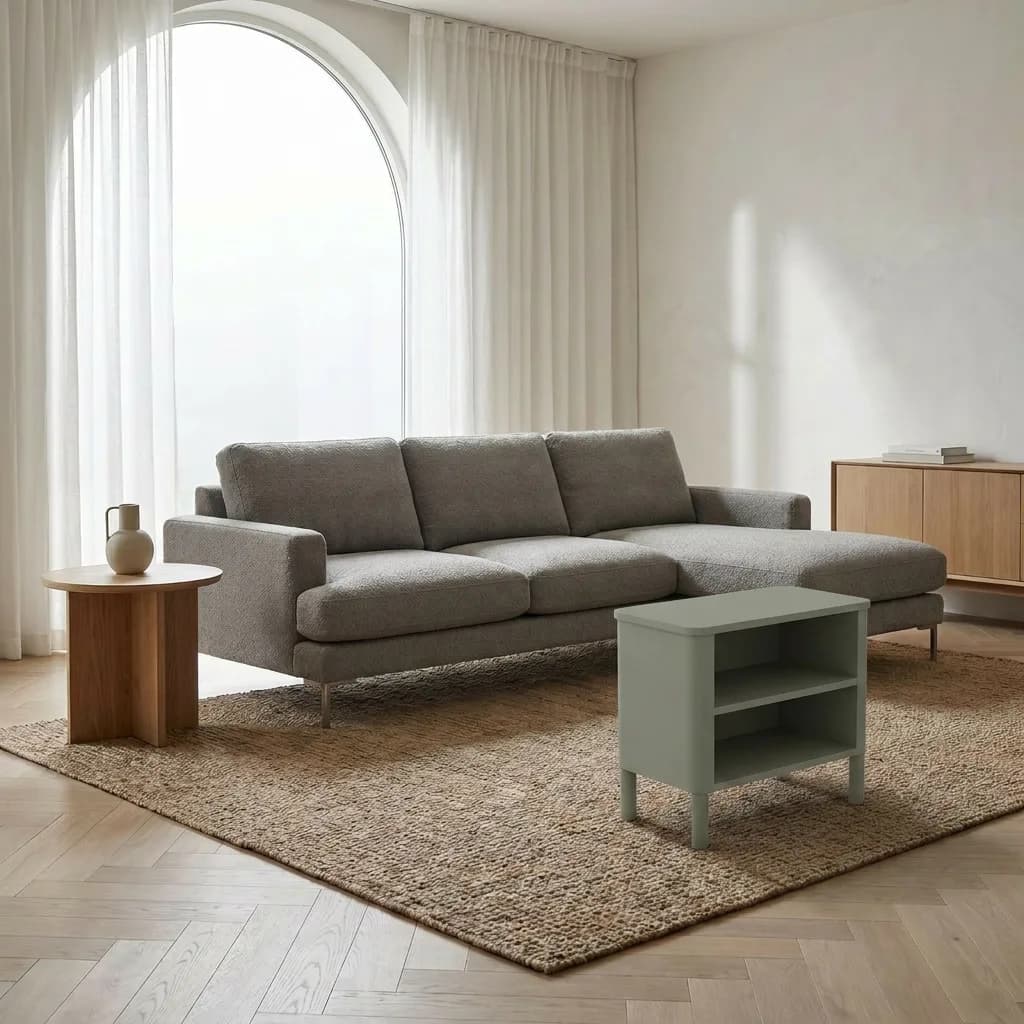
VirtualRoom is the Shopify app that adds a virtual room try-on to your product pages. Your shoppers upload a photo of their actual room and see your sofa, fridge, TV, lighting or rug placed in it — photo-realistically. Lift conversions, capture leads, and cut "didn't fit" returns.
A modern take on a Scandinavian classic. The Halden brings warmth to any reading nook with its sculpted curves and oat boucle upholstery.
Try in Your Room
See how it looks in your space
12
Ready to see it in your room?
Upload a photo of your space and our AI will place this product in it photoreal-istically.
Demo flow · clicking simulates an upload.
Click Try in Your Room on the demo PDP to see the flow.
How it works
From browsing to buying in seconds
VirtualRoom adds a virtual room try-on directly to your Shopify product pages — and lets shoppers add to cart from inside the preview. No app downloads, no measuring tape, no extra click back to the PDP.
1Step 1
Snap or Upload
On any product page, shoppers tap "Try in my room" and upload (or snap) a photo of their actual space — desktop or mobile, no app install.
Try in Your Room
See how it looks in your space
3 Try-Ons3×
12
Ready to see it in your room?
Upload a photo of your space and our AI will place this product in it photoreal-istically.
By using this service, you agree to our Terms and Privacy Policy. AI can make mistakes.
2Step 2
AI Places It in Their Room
VirtualRoom detects floor, scale, lighting and perspective — then composites your sofa, fridge, TV or lighting into the shopper's room with true-to-life shadows and proportions.
Try in Your Room
See how it looks in your space
×
Placing the product…
62%
Tip
Daylight gives the most realistic shadows.
3Result
Add to Cart, In One Click
Shoppers add the product to cart straight from the preview — no jumping back to the PDP. Hesitation drops, returns shrink, and conversion rates climb.
Try in Your Room
See how it looks in your space
3 Try-Ons3×
Halden Armchair
You might also like
Features
Everything a furniture or appliance merchant needs
From the in-room AI render right through to add-to-cart attribution — VirtualRoom is built around how furniture and appliance shoppers actually buy on Shopify.
Virtual Try-On That Sells
An AI in-room preview right on the product page. Shoppers upload a photo of their actual space and see your sofa, dining table or fridge composited into it photo-realistically — then add to cart from inside the preview. No bouncing back to the PDP, no extra clicks.
In-room AIAdd to cart in previewMobile + desktop
Built for Furniture & Appliances
Powered by a state-of-the-art image-to-image model tuned for product fidelity — keeps the exact shape, fabric, finish and proportions of your hero product while matching the room's lighting direction, shadow softness and perspective. The result reads as a real photo, not a sticker.
After the first free try-on, an optional email gate captures the shopper's address and marketing opt-in. Every captured email is stamped on the shopper's events so you can spot high-intent buyers — exportable from the VirtualRoom dashboard for follow-up.
Email gateMarketing opt-inExport from dashboard
Funnel Analytics & Order Attribution
Track every step of the journey: PDP view → button click → try-on → add to cart → checkout. Each cart add stamps a `_tryroom_session` line-item attribute, so the orders webhook ties the eventual purchase back to the exact try-on session. Prove the ROI with real numbers.
Funnel trackingOrder attributionConversion lift
Per-Product & Per-Collection Control
Choose exactly which products show the try-on widget — turn it on per product from the dashboard, or roll out to a whole collection in one click. Toggle off products that don't make sense (think candles or cushions) without touching theme code.
Per-product toggleBulk by collectionNo theme edits
Cross-Sell Inside the Widget
Once a shopper sees how your sofa looks in their room, the widget surfaces a "You might also like" strip drawn from the products you've enabled — armchairs, side tables, lamps. One tap kicks off another try-on with the new product, multiplying basket size on a single visit.
Related productsMulti-product try-onsBigger baskets
Brand-It-Yourself Widget
Match your store's brand without writing CSS: configure button label, accent color, padding and the trigger icon (sparkle / camera / cube / scan / eye) directly from the Theme Customizer. The widget inherits your theme color by default.
Customer room photos go to a private storage bucket gated by per-browser session — never publicly listed, never re-shared. A configurable retention window auto-prunes shopper history on-device so you stay clean against modern e-commerce privacy expectations.
Simple monthly pricing for Shopify furniture and appliance stores. No hidden fees, no long-term contracts.
Free
$0
25 monthly room previews
Upgrade to a paid plan for more
Starter
$14.99/month
100 monthly room previews
Customer email capture
Standard support
Growth
$29/month
250 monthly room previews
Customer email capture
Standard support
Pro
$99/month
5,000 monthly room previews
Customer email capture
VIP support
Get started
Turn 'will it fit?' into 'add to cart.'
Install VirtualRoom on your Shopify store and let your shoppers virtually try furniture and appliances in their own space — before they buy. Free to install. No card required. Live in minutes.
Everything Shopify furniture and appliance merchants ask before installing VirtualRoom.
How does VirtualRoom actually work?
Install VirtualRoom on your Shopify store and enable the widget on the product pages you want. When a shopper hits "Try in your room", they upload a photo of their space (or take one with their phone) — and an AI image-to-image model places your furniture or appliance into that room with realistic scale, perspective and lighting. Each preview takes roughly 30 to 60 seconds.
What types of products does VirtualRoom support?
Furniture (sofas, armchairs, dining tables, beds, rugs, lamps, shelving) and large appliances (TVs, fridges, washing machines, dryers, ovens, range hoods, air conditioners). Anything where the shopper's biggest question is "will it fit and will it match my room".
Do shoppers need to download an app?
No. The virtual room preview runs directly inside your Shopify product page — desktop or mobile. Shoppers just need a recent photo of their room, or they can snap one straight from their phone.
Will the preview distort my product?
No. Your product photo is the source of truth — colour, finish, dimensions, hardware and material stay faithful to the listing. The model is prompted to insert the product without redrawing it, so what shoppers see in the room matches what they'll receive.
How accurate is the placement?
VirtualRoom runs a state-of-the-art image-to-image model that matches your room's lighting direction, colour temperature and shadow softness when it composites the product in. It's not exact like an AR floor-plan tool, but for the "will it fit and will it match" question it's the fastest, lowest-friction answer on the market.
How fast is each preview?
Roughly 30 to 60 seconds per render — fast enough to keep shoppers engaged inside the modal without feeling like a long wait.
What about shopper privacy?
Customer room photos are stored in a private bucket gated by per-browser session, and a configurable retention window (default 7 days) auto-prunes shopper history on-device. Photos are never publicly listed and never re-shared. We do not train AI on shopper photos.
Does it actually move the conversion needle?
Furniture and large-appliance returns are mostly driven by "didn't fit / didn't match the room" — exactly what an in-room preview answers before checkout. VirtualRoom also stamps each cart add with a `_tryroom_session` line-item attribute so the orders webhook can attribute the eventual purchase back to the try-on, letting you measure the lift on your own data.
Can I capture leads from shoppers who preview but don't buy?
Yes. After the first free try-on, an optional email gate captures the shopper's address and marketing opt-in. The captured emails are stamped on each event so you can identify high-intent shoppers and export the list from the VirtualRoom dashboard for follow-up.
How does pricing work?
Simple monthly tiers starting Free. Each tier includes a generous number of room previews; if you go over, additional previews are charged at a clear per-preview rate. No annual contract — cancel anytime from Shopify.
Do I need to edit my theme code to install VirtualRoom?
No. VirtualRoom ships as a Shopify Theme App Extension — once installed, you enable the widget per product (or roll out by collection) from the VirtualRoom admin. No theme code edits, no Liquid copy-pasting.
 Install on Shopify